Protect Your Documents.
Get Paid with Confidence.
Share view-only PDFs with clients in seconds. No signups required. Auto-expiring links, instant revocation, and encrypted storage — so you stay in control.
Start Securing DocumentsEncrypt & Generate Secure Link
Revoke Access
Paste your secure link to instantly block further opens by the client.
Your Recent Links
How It Works
Three simple steps to secure your documents
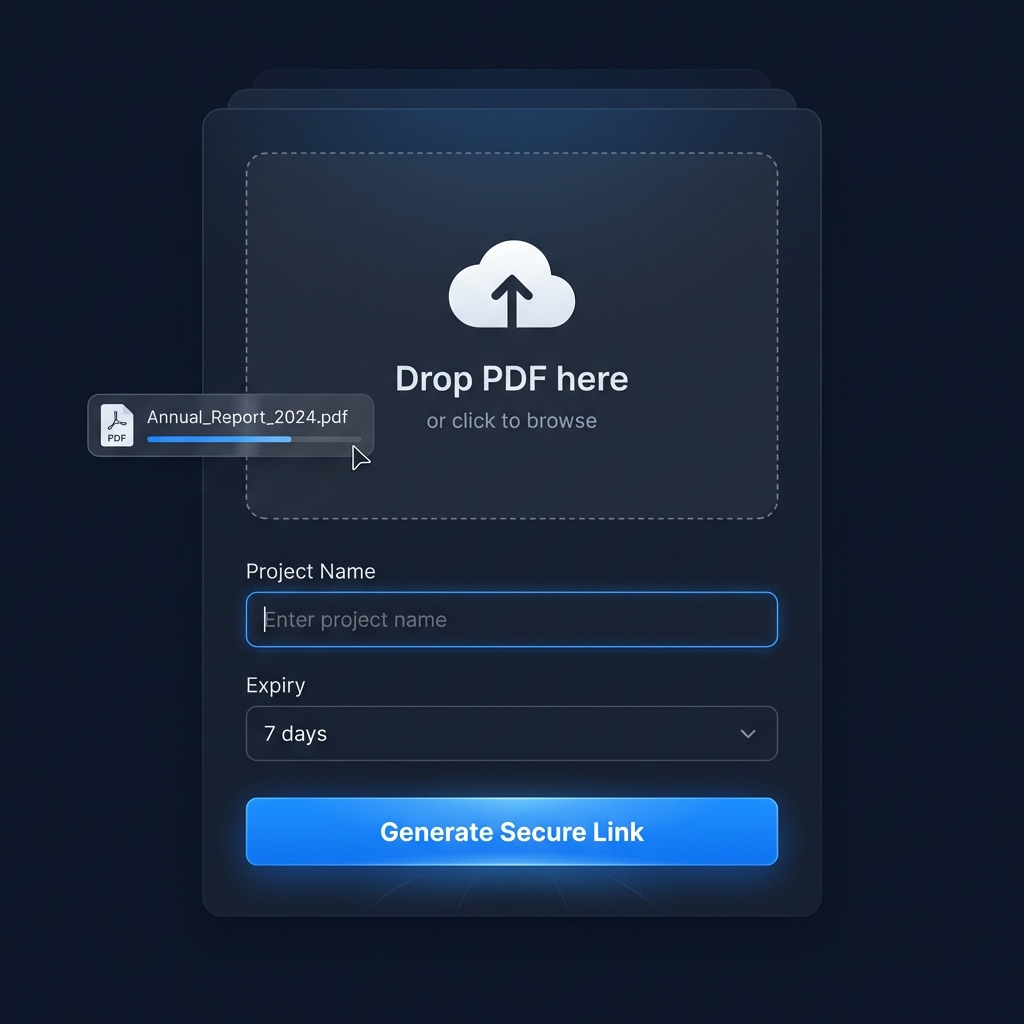
Encrypt
Upload your PDF and we immediately encrypt it. Only the scrambled version is stored in secure chunks — your original file is never saved.
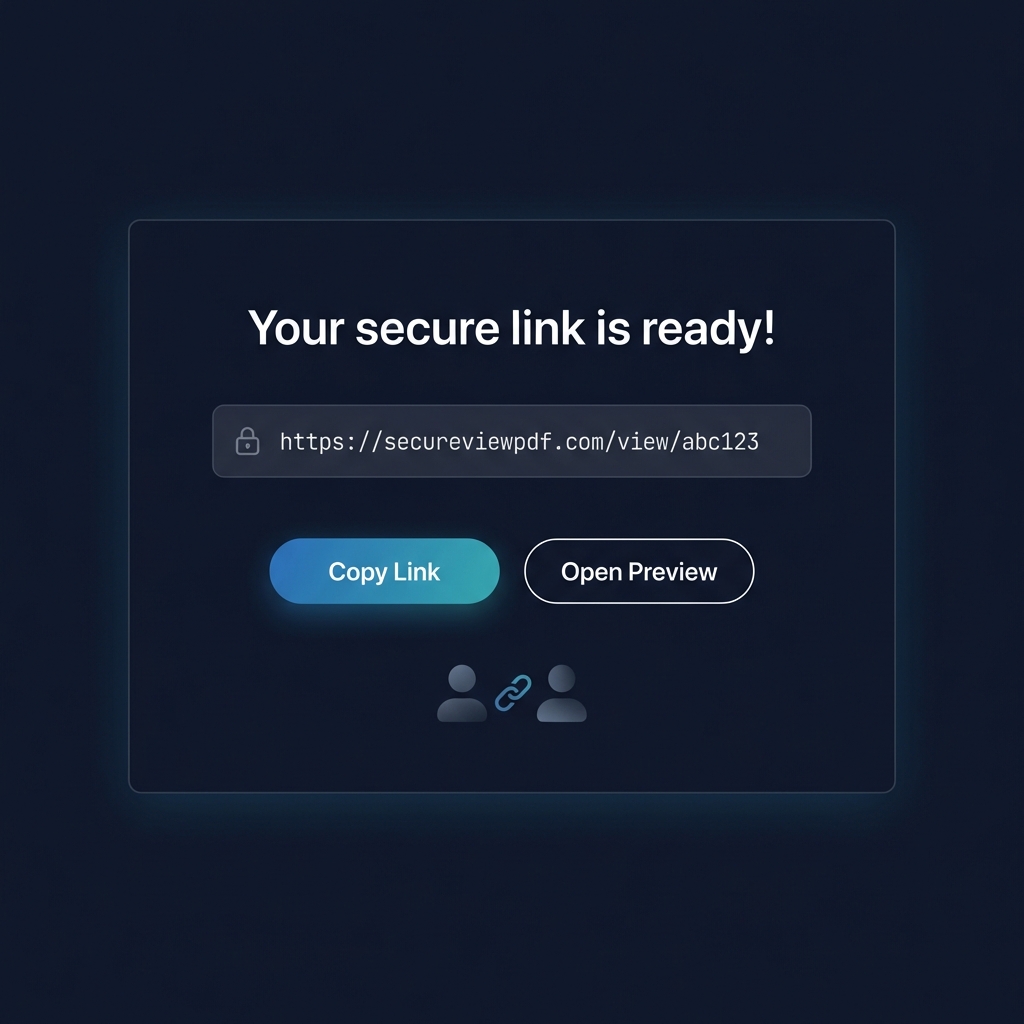
View-Only Link
Share a single secure URL with your client. They view the document in-browser — no downloads, no printing, no hassle.
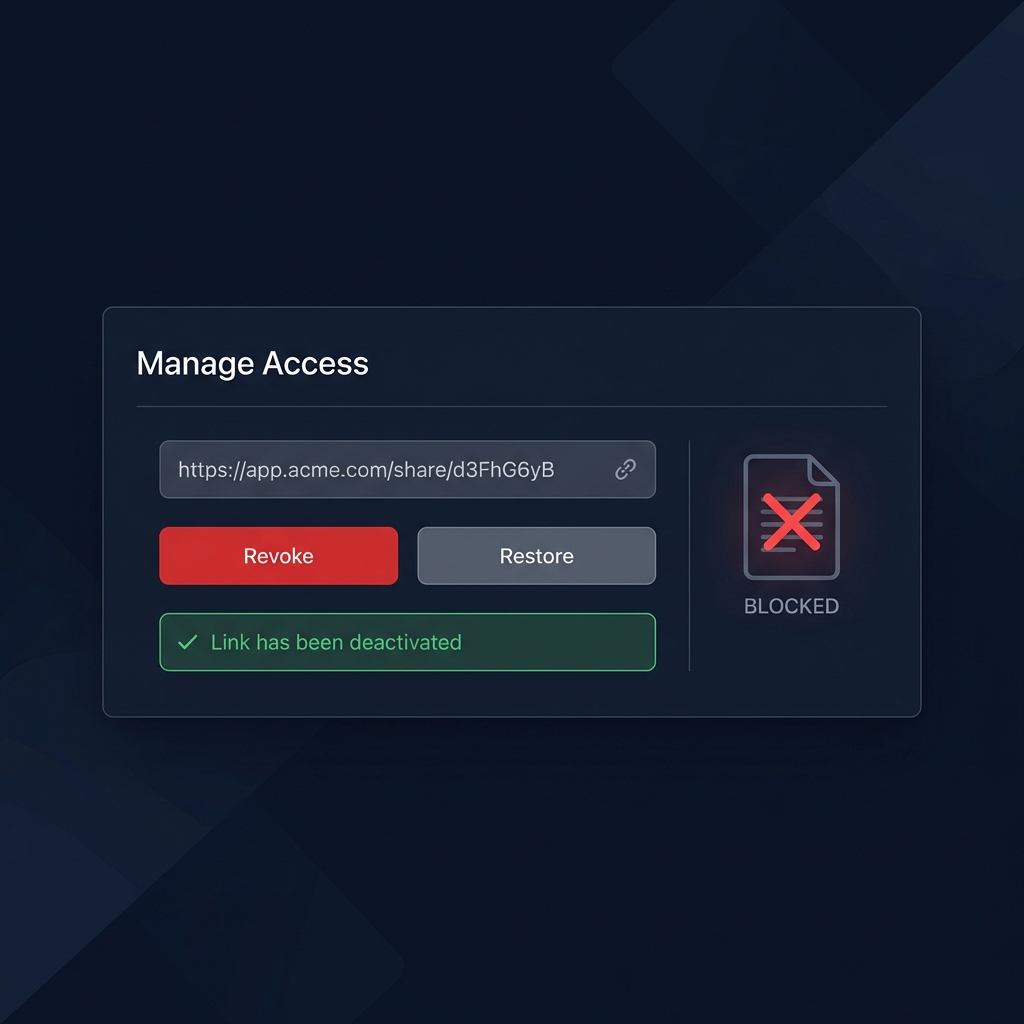
Revoke
When access should end, revoke the link instantly. The document becomes inaccessible from anywhere — even if they saved the URL.
Frequently Asked Questions
Everything you need to know about SecureViewPDF
How does SecureViewPDF prevent unauthorized downloads?
We serve your PDF inside a controlled viewer without a native download button and with printing disabled. While no system can stop all screenshots, this makes casual copying much harder for non-technical clients.
Is my original PDF file stored on your servers?
We never store your PDF in plain text. We only keep an encrypted version in small data chunks plus minimal link metadata (token, status, expiry). When a link is revoked or expired, future access is blocked at the app level.
Can I revoke access instantly?
Yes. Paste your link into the Revoke Access form. We immediately mark that link as revoked in the database so any new open attempt will see a revoked/expired screen instead of your PDF.
Share Your Feedback
Help us improve SecureViewPDF with your experience